
Need help ?Address: FLAT/RM 803 CHEVALIER HOUSE 45-51 CHATHAM ROAD SOUTH TSIM SHA TSUI KL
Email: support@hkmlc.com


Google Jamboard is a powerful collaborative tool, but do you use Jamboard well for productivity? Whether you are working with your team in the business office or collaborating with students in your classroom, Jamboard allows you to create, share, and interact with ideas in an exciting manner. This article will introduce what Jamboard is, how to use it, and when the HKMLC Smart Board is a better tool.
Google Jamboard is a collaborative digital whiteboarding tool that allows teams or students work together in real-time. Ideas developed on Jamboard are, again visual representations of the concepts, be it through drawing, the ability to stick post its and the possibility to upload images and files. You can use boards from any device; it is a cloud-based application that works best for remote teams. Whether it be for brainstorming sessions, project planning, or teaching lessons, Jamboard can help ensure everyone is on the same page.
To get started with it, all you have to do is open the app or go online at the Jamboard site. Create a new board and throw on some text, images, or drawings. You can create a link that enables others to collaborate with you on the board instantly. That means its perfect for live colaboration such as in Jamboard. It is configured to be useful for productivity in a way that you can set different frames to different ideas or themes and have everything sorted. It’s a flexible tool that allows you to collaborate without being in the same room.
There are a ton of advantages to using Jamboard for both classrooms and groups:
· Better collaboration: Multiple users can work on the same board simultaneously, which promotes participation.
· Updates in real-time: Updates happen instantly so everyone is on the same page.
· Team space: Have teams and boards collaborating in one team space.
· The user-friendly design makes it easy to start cooperating right away, with no technical knowledge required.
This means that Jamboard is a great tool for teams, enterprises, and educational settings.
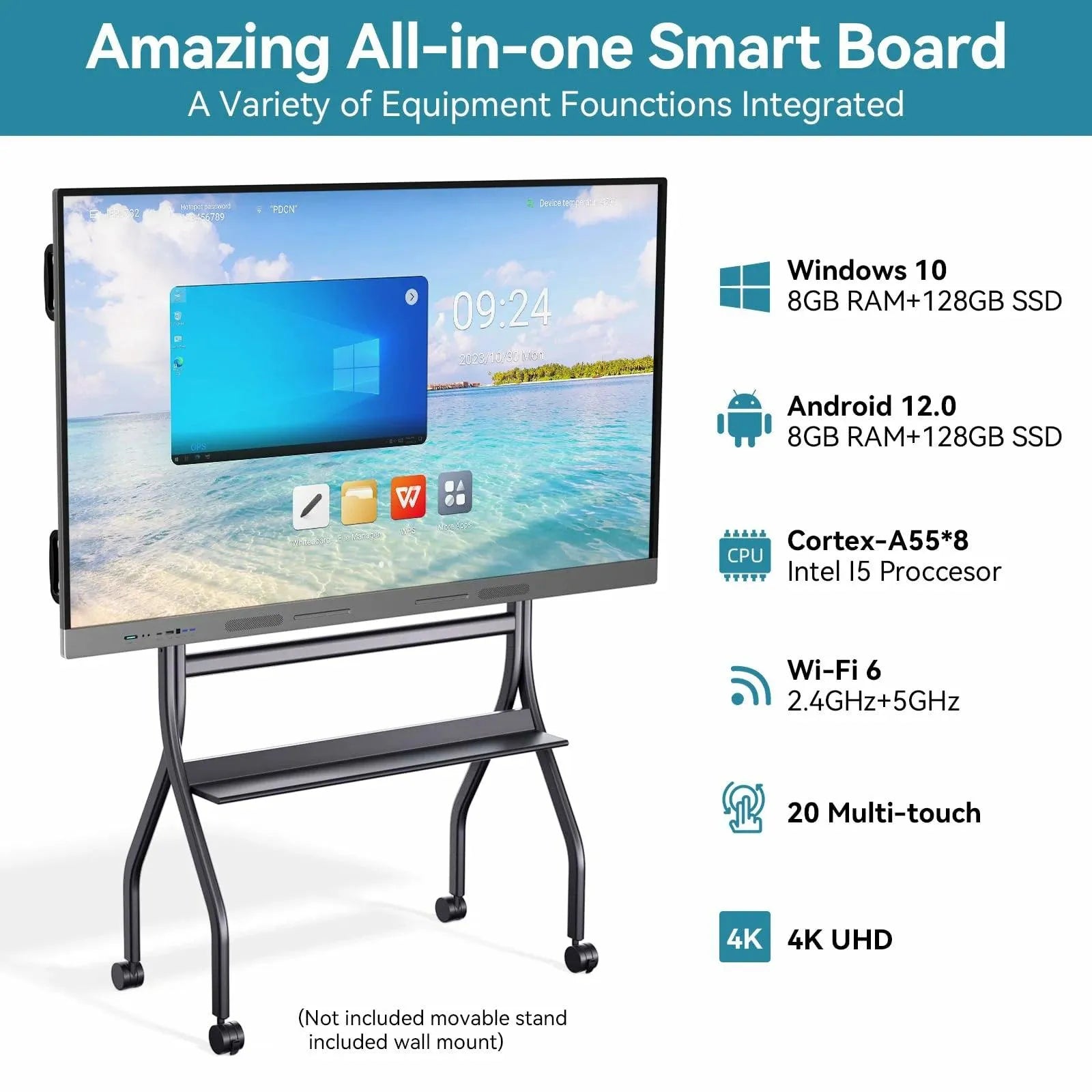
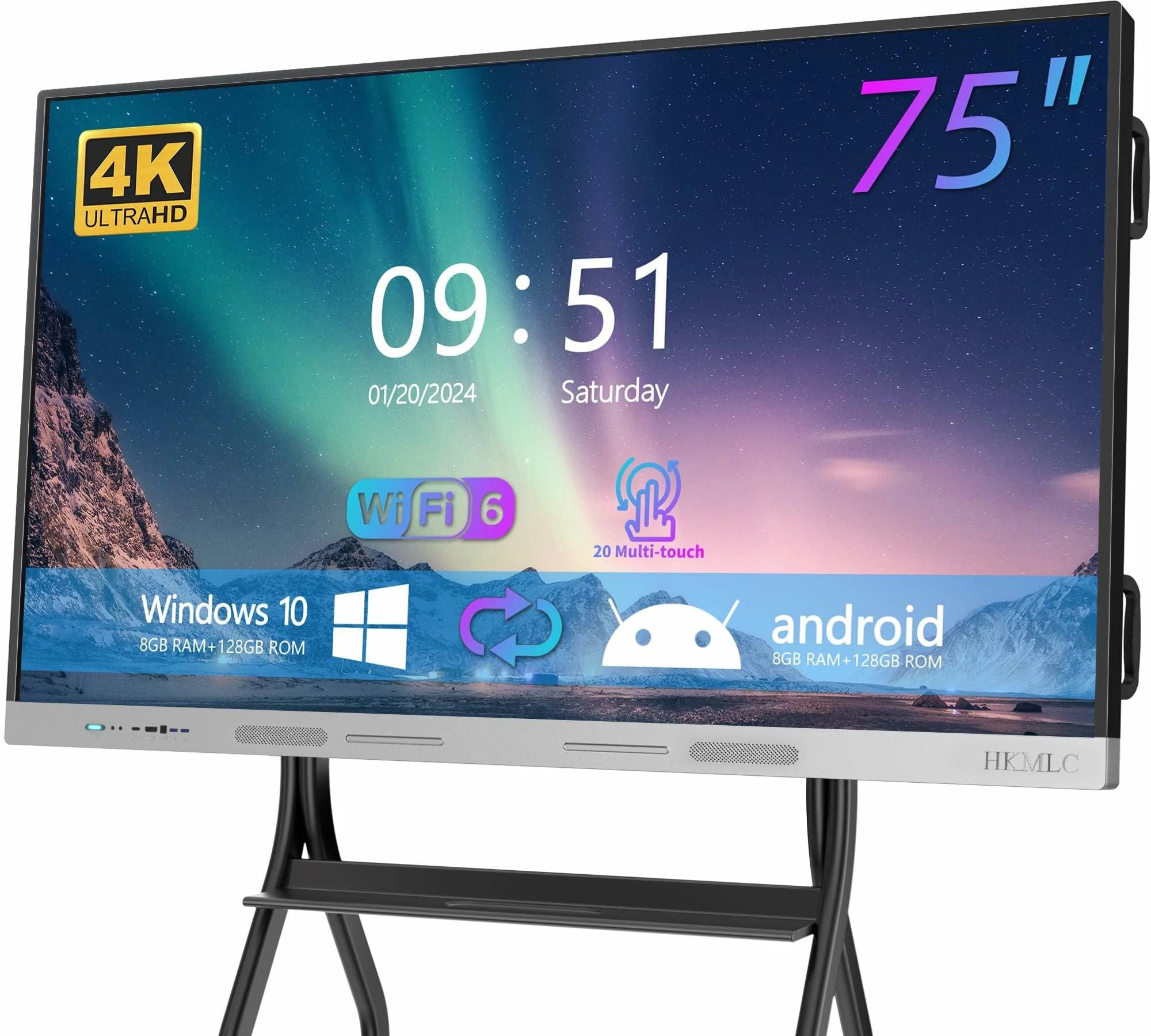
For those who love using Jamboard, it is a superb tool. However, the HKMLC Smart Board provides even more tools to enhance your collaborative experience. The HKMLC Smart Board allows for a more tactile experience as it features a giant interactive display that recognizes touch gestures. This enables the collaboration of multiple users in real time, offering an even more immersive and natural experience. Especially with all its new features, its compatibility, and a whole lot more, it could be your best team or classroom partner for sure!

There are some very neat features with both Jamboard and HKMLC Smart Board that are really great for collaboration, but here are some unique features for HKMLC Smart Board:
· Better integration with physical space: The HKMLC Smart Board features an oversized, touch-enabled screen that supports group work and interactive lessons.
· More of everything you need: HKMLC Smart Board delivers more impactful collaboration with interactive features and easy switching.
· Improved user engagement: The HKMLC Smart Board's interactive display allows for deeper collaboration than any projector, making it suitable for blended or remote teams!
Want to know how the HKMLC Smart Board can take your collaborative efforts to the next level?
No comments
Where Visions Are Amplified!
Email: support@hkmlc.com
Phone: 1-877-947-8577
Adress: ROOM_1, 16/F EMPRESS PLAZA 17-19 CHATHAM ROAD SOUTH, TSIM SHA TSUI, HK



0 comments