
Need help ?Address: FLAT/RM 803 CHEVALIER HOUSE 45-51 CHATHAM ROAD SOUTH TSIM SHA TSUI KL
Email: support@hkmlc.com


The workplace map is an important feature of any modern working environment. In the context of office space layout visualization, workplace maps are used to visualize and optimize the layout of office spaces, ensuring better organization, improved workflow, and enhanced productivity. This article will discuss why workplace mapping is beneficial, the difficulties involved in managing workplace layouts, as well as how the HKMLC Smart Board can aid workplace mapping to optimize office productivity.
Using maps in workspaces ensures resource optimization in office spaces and resources. They enable organizations to gain insight and efficiencies into planning and allocating workspaces, ensuring the best environment possible for employees to thrive. Through workplace maps, companies are able to:
· Create more open and accessible spaces to improve collaboration.
· Increase efficiency by reducing interferences and simplifying processes.
· Ensure that all areas are used to their full potential.
With clear workplace mapping in place, office managers can make the office a more comfortable and efficient environment for their teams.
That said, workplace mapping comes with its own challenges. Some of these challenges are as follows:
· Allocating space for your team and ensuring a balance between privacy and collaboration.
· Shifting layouts that require continual revisions to the map.
· Ensuring all workers have access to the tools and space needed to work effectively.
Despite these challenges, with the right tools and approach, workplace maps offer a clear solution to office layout difficulties.
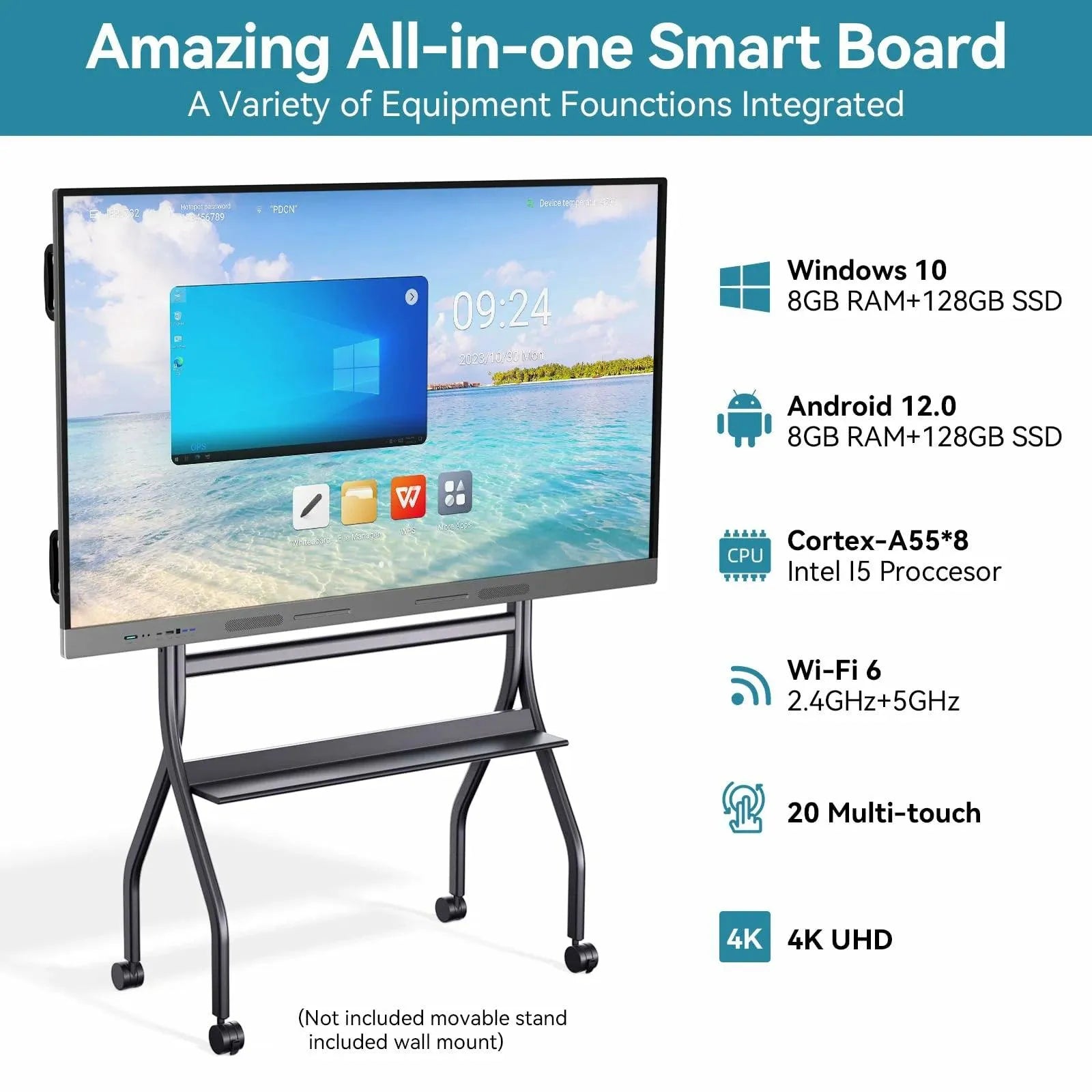
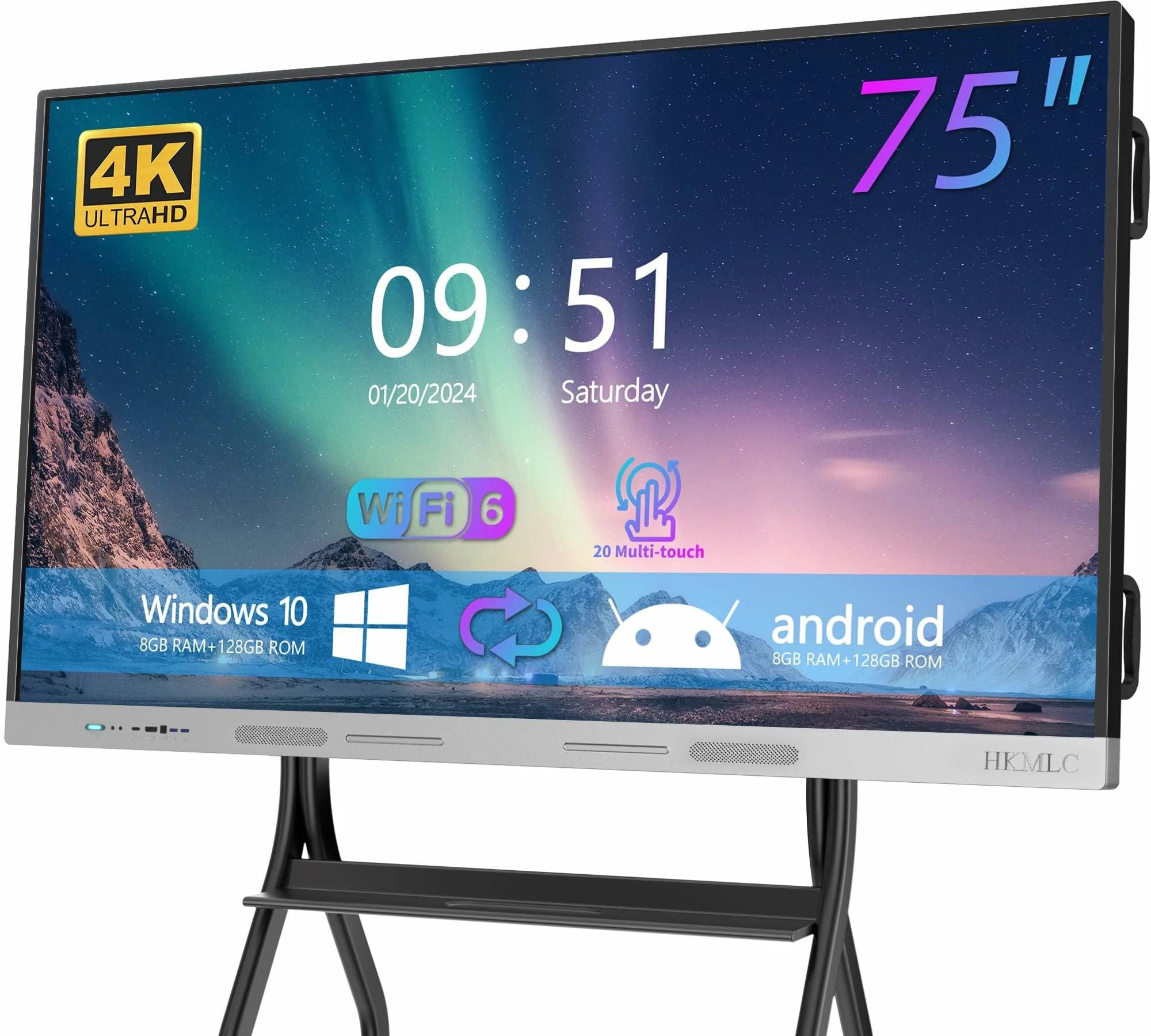
What makes the HKMLC Smart Board a game-changer for workplace mapping? This interactive tool helps the teams collaborate together and visualize and modify layouts in real-time. So, whether you are designing a completely new office space or optimizing the existing one, tweaking and updating is a seamless process with the HKMLC Smart Board.
Using the board’s touchscreen interface, teams can add, remove, or move elements on the map, which helps ensure everyone is on the same page. Read more here on how the HKMLC Smart Board could assist with your workplace mapping and collaboration.
To maximise your workplace maps, give these best practices a go:
· Commit to updating your maps regularly as there may be changes made in offices.
· Apply color-coded zones to signify areas according to their different purposes, whether for collaboration, private workspaces, or relaxation areas.
· Engage your team in the process to make sure the layout accommodates everyone.
Optimizing office space through best practices and tools like the HKMLC Smart Board ensures that these problems are minimized, and productivity is enhanced.
No comments
Where Visions Are Amplified!
Email: support@hkmlc.com
Phone: 1-877-947-8577
Adress: ROOM_1, 16/F EMPRESS PLAZA 17-19 CHATHAM ROAD SOUTH, TSIM SHA TSUI, HK


0 comments